Ask your question.
Bring a decision to the group. Start with your own options, or invite everyone to contribute ideas.
YOUR QUESTION
What should we focus on next?
Gather ideasAdd your own kogby Valyou
A little less back-and-forth.
Good ideas can come from anyone. Kog helps your group bring them together, weigh up the options, and decide what comes next.
Start as a guest. Invite your group with a link or code.
Space for every voice.
One space to ask.
Room for everyone to answer.
From “what if” to “what’s next”
Make space for the thinking.
Keep the deciding simple.
Bring a decision to the group. Start with your own options, or invite everyone to contribute ideas.
What should we focus on next?
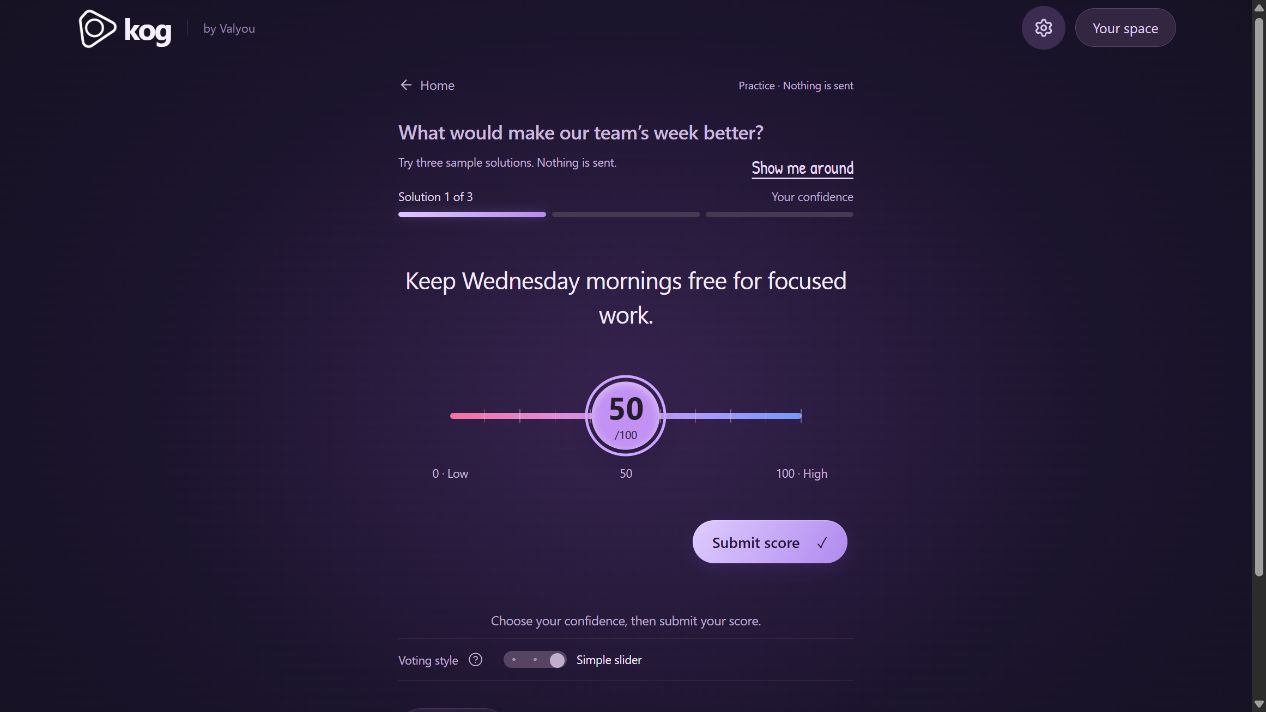
Gather ideasAdd your ownEveryone considers every option and scores their confidence from 0 to 100. Flick or slide to find the number that feels right.
Explore the group’s results. See which ideas have support, talk through the differences, and refine your next round.
Different people. Common ground.
The everyday decisions. The bigger conversations. Bring the group together, whether you’re in the same room or finding time in your own day.
Bring your groupCompare priorities, explore improvements, and find the ideas your team can get behind.
Gather ideas and move through a series of questions, with a shared report to come back to.
Create a group for decisions that keep coming. Reuse a question or open a fresh round as ideas evolve.
Easy to join. Thoughtful by design.
Share an invitation or a QR code. People can get started as guests, with Google sign-in available to keep their space across devices.
Open questions can welcome people on separate visits. Hosts choose when to start voting and can show results early.
Hosts and participants see permitted results and aggregates. Individual ballots aren’t shown in the app.
Return to past results, explore host reports, and export results as a CSV for the next conversation.
A few things to know
No. You can start and join as a guest. Guest access stays with that browser; save your guest space with Google to keep access across devices. Clearing browser data before saving can lose that guest’s access.
No. People can join on separate visits while a question is open. The host starts voting and can close it early to show results.
Kog lets people score their confidence in every option from 0 to 100. That gives your group a more nuanced view of its support for different ideas.
Individual ballots aren’t exposed to hosts or other participants through the app. Results are shown as aggregates; database administrators can access the underlying records. See Kog’s privacy notice for more information.
Yes. Start a refinement round from the results, copy an existing question, or use a group to keep your recurring decisions together.
Your next good decision starts here.